Badgy
Integrations
Features
Pricing
Docs
Blog
Get Started

Effortless
Events

Smooth on-site badge printing
Print badges on-site. Check guests in faster. Capture leads effortlessly.
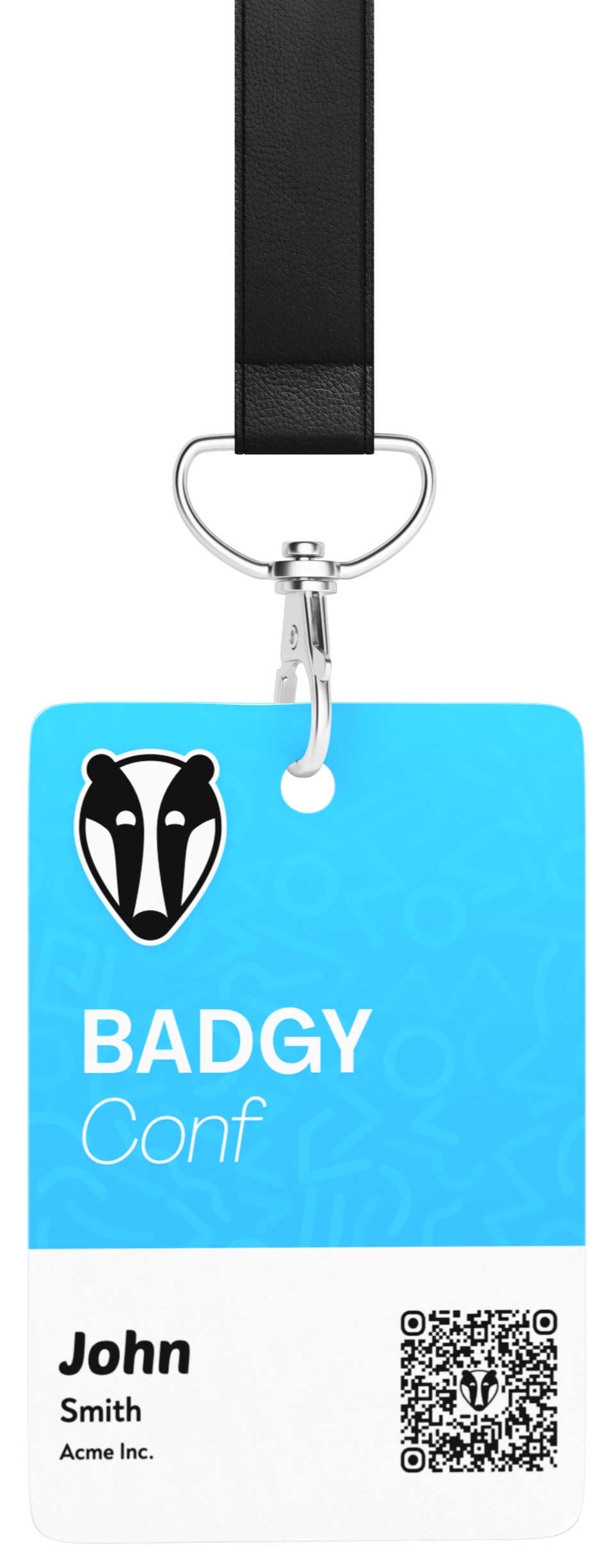
Badgy event badge preview
Ticketing provider sync•On-demand badge printing•Real-time check-in•Lead capture•Simple hardware•Offline support•Session scanning•Welcome emails•Wallet passes•Multiple print stations•Reporting•Ticketing provider sync•On-demand badge printing•Real-time check-in•Lead capture•Simple hardware•Offline support•Session scanning•Welcome emails•Wallet passes•Multiple print stations•Reporting•Ticketing provider sync•On-demand badge printing•Real-time check-in•Lead capture•Simple hardware•Offline support•Session scanning•Welcome emails•Wallet passes•Multiple print stations•Reporting•Ticketing provider sync•On-demand badge printing•Real-time check-in•Lead capture•Simple hardware•Offline support•Session scanning•Welcome emails•Wallet passes•Multiple print stations•Reporting•Ticketing provider sync•On-demand badge printing•Real-time check-in•Lead capture•Simple hardware•Offline support•Session scanning•Welcome emails•Wallet passes•Multiple print stations•Reporting•Ticketing provider sync•On-demand badge printing•Real-time check-in•Lead capture•Simple hardware•Offline support•Session scanning•Welcome emails•Wallet passes•Multiple print stations•Reporting•
Companies of all sizes trust us with their events
RailsConf
RenderATL
Intercom
Mozilla
Pendo
Elevate
How it works
Print Station
Set up print station
Connect a supported label printer to a laptop running Chrome
Scan Tickets
Scan tickets
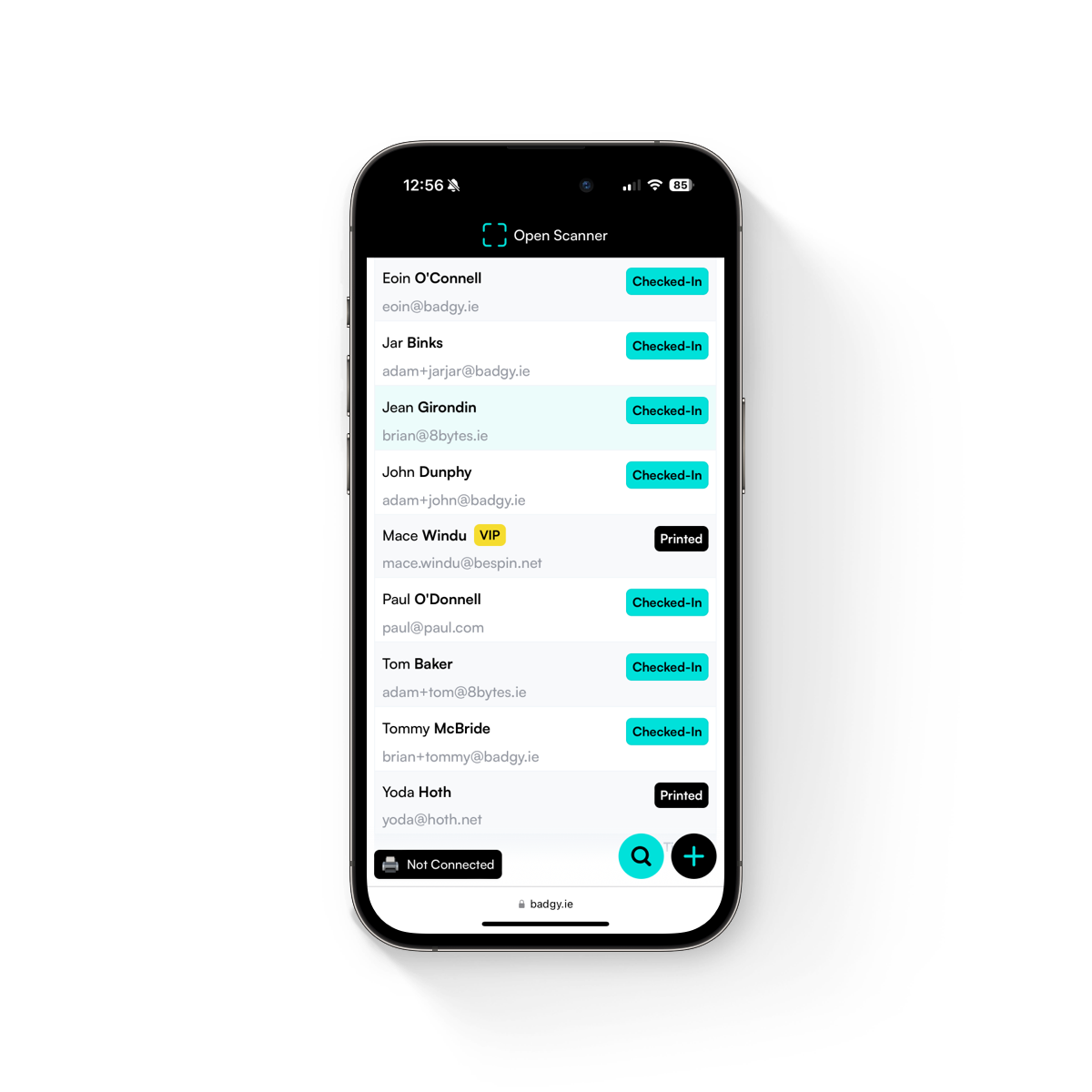
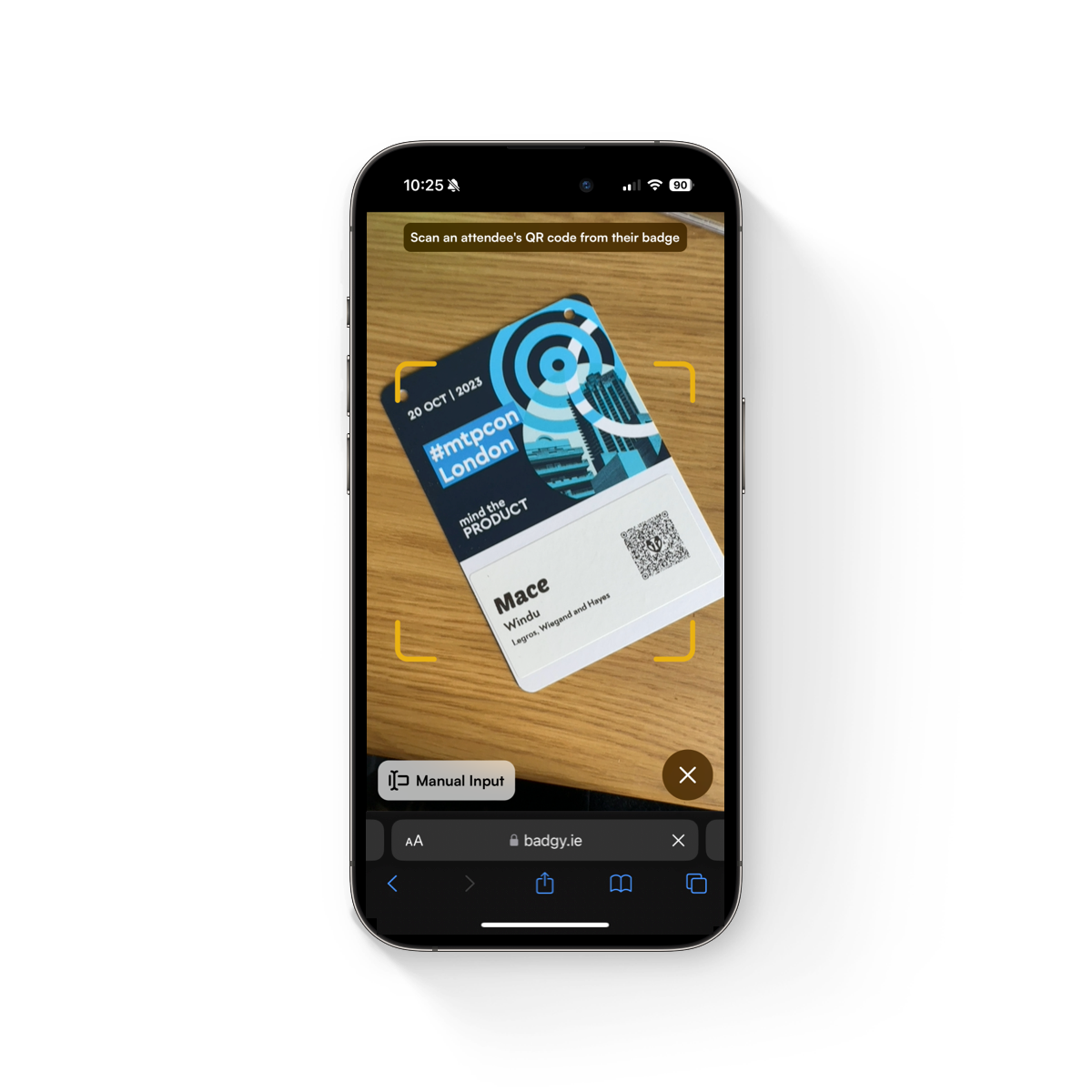
Scan ticket QR codes or search live attendee data from your ticketing provider
Print Badge
Print badge
Print a branded badge immediately and sync check-in status in real time
Integrations
Badgy connects to your ticketing provider so attendee data, badge printing, and check-in stay in sync.
Spreadsheet upload is available when your event does not use a supported ticketing platform.

Tito
Tito badge printing

Sync Tito tickets, check guests in, and print badges from live attendee data.

Explore Tito integration

Luma
Luma badge printing

Connect Luma guests to on-site check-in and badge printing.

Explore Luma integration
Eventbrite
Eventbrite badges

Sync Eventbrite attendees and print event badges on demand.

Explore Eventbrite integration
Ticket Tailor
Ticket Tailor

Use Ticket Tailor data for fast check-in and badge printing.

Explore Ticket Tailor integration
Using another ticketing provider?

Tell us what you use. We can often add new integrations for event teams that need live attendee sync, fast check-in, and on-site badge printing.
CSV Import
Spreadsheet upload

Upload attendee lists from a CSV or spreadsheet when your registration tool is not connected yet.

Compare CSV with integrations
Connected beats exported

Badge printing gets messy when attendee data lives in one system and check-in lives in another. Badgy connects to your ticketing provider so your team can check guests in and print badges from live event data.

Compare with pre-printed badges
No expensive hardware

Badgy runs in the browser. Your print station is a laptop connected to a supported label printer, and check-in devices can be phones, tablets, or laptops your team already has.

Compare hardware options
Check-in
Check-in
Badge Designer
Badge Designer
Lead Capture
Lead Capture
Welcome Email
Welcome Email
Flexible
Flexible
Seamless Check-in

Quickly check-in your attendees by scanning their ticket QR code or searching by name.

Optionally, allow attendees to self check-in using their own device. No need for annoying kiosks.

Flexible Badging

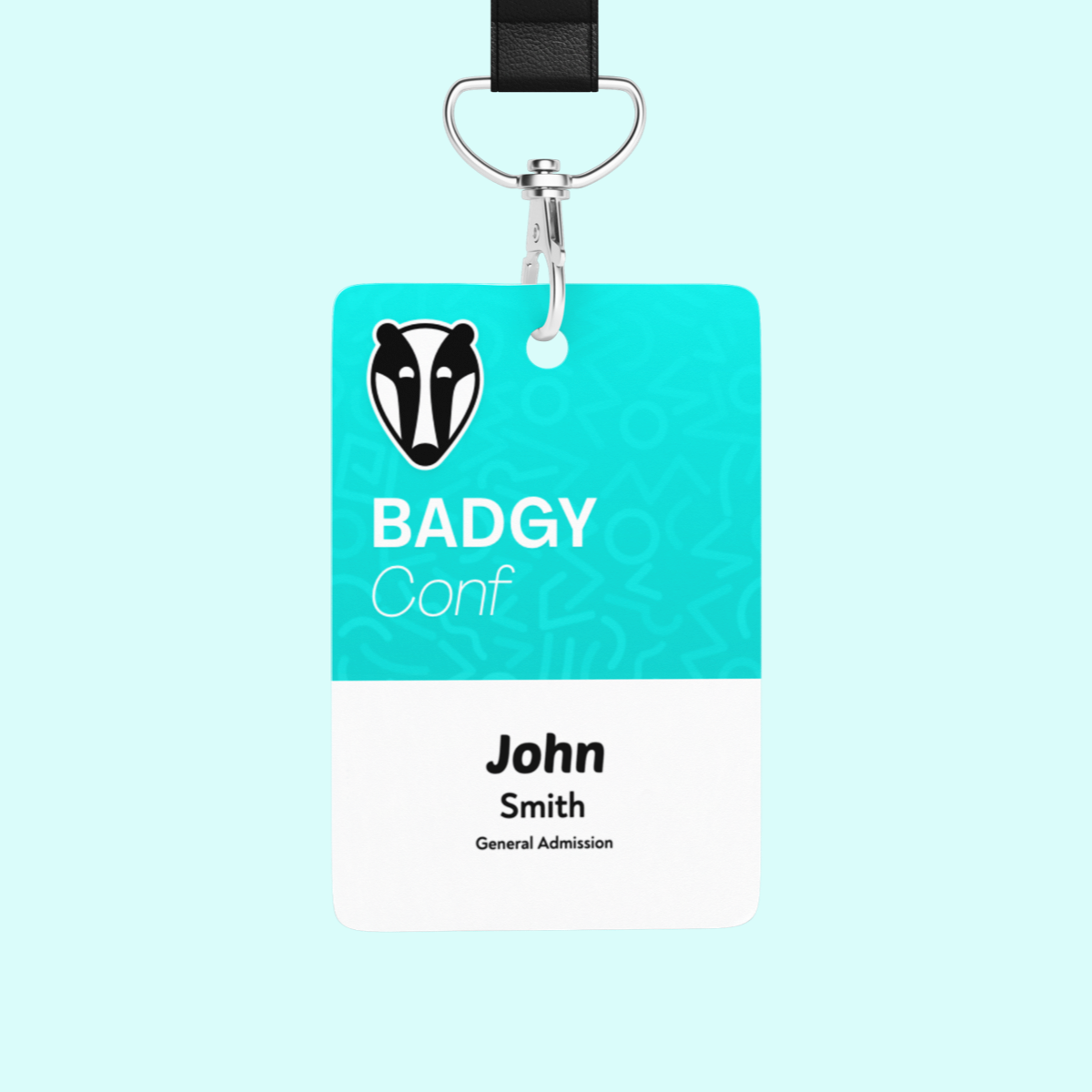
Create great looking badges with our easy-to-use badge designer. Adjust the content, fonts and layout to match your event's branding.

Make as many layouts as you like and assign them to different ticket types.
Lead Capture

Offer an easy way for your vendors to capture leads. Just scan an attendee's badge to collect their contact information.

Fully branded to match your event, vendors can easily download their leads or connect Zapier to forward on to their CRM.

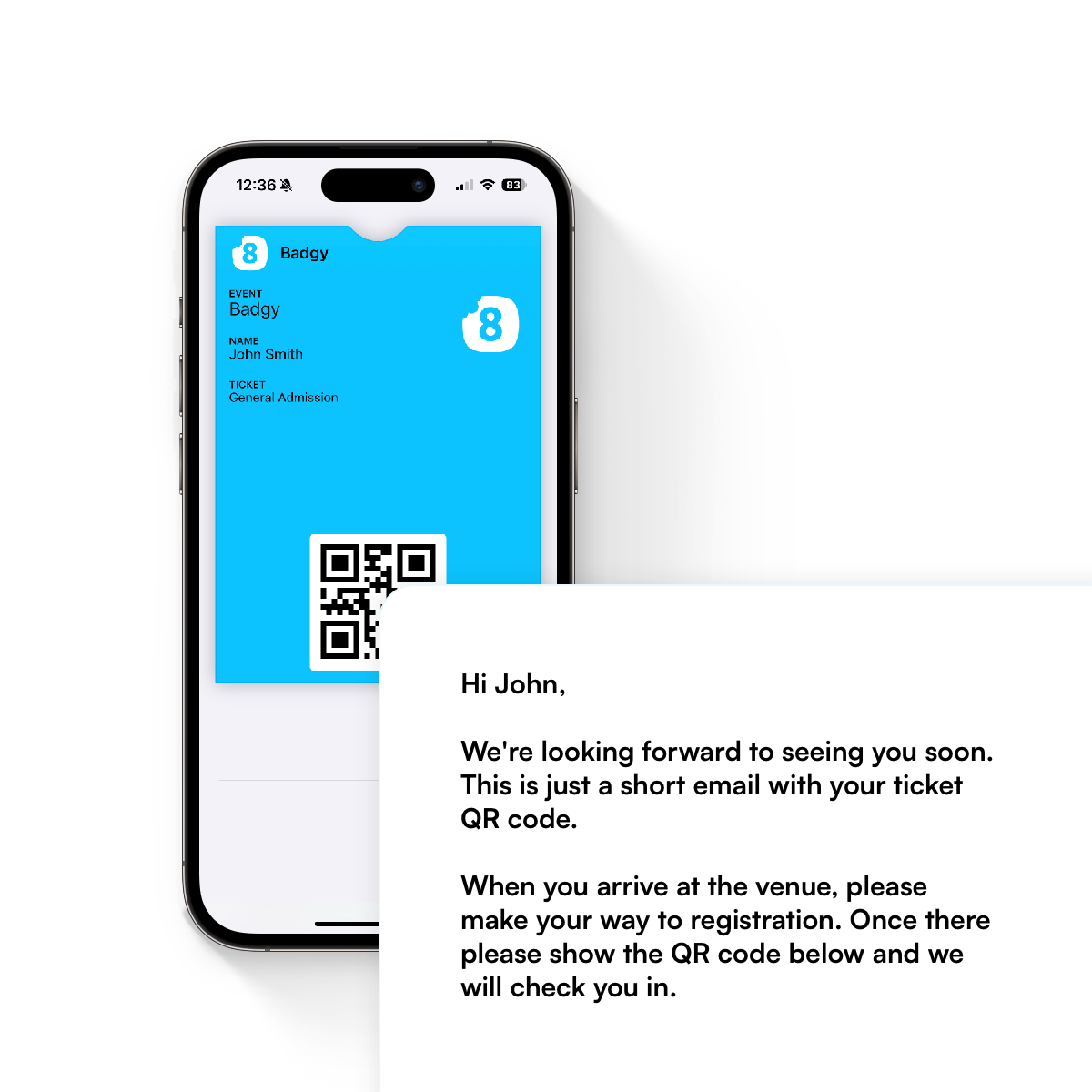
Welcome Email

Send a fully customisable email to your attendees the day before your event.

Include their QR code and a branded wallet pass for easy check-in.
Flexible

Badgy works for all types of events. From small meetups to large conferences, we've got you covered. Simply scale the hardware up or down as needed.

Our simple pricing means you only pay for what you use. No contracts, no hidden fees.

Plans
Our free plan allows you to quickly get started, providing access to all our check-in features.
To access premium features such as badge printing and lead capture, you can upgrade your event by adding credits.
Free check-in

Create events, connect attendee data, use QR code check-in, sync devices in real time, and keep working with offline support.

Badge printing credits

Upgrade an event when you need on-site badge printing, multiple print stations, welcome emails, wallet passes, or lead capture.

Hardware options

Use a supported label printer and the devices your team already has, or contact us about printer rental, labels, badge stock, and event setup support.

Free
IncludedAll your events
IncludedUnlimited check-in devices
IncludedRealtime sync
IncludedOffline support
Premium
IncludedBadge Printing
IncludedMultiple print stations
IncludedOne off badges
IncludedVendor lead capture
IncludedAttendee self check-in
IncludedVIP notifications
IncludedWallet passes
IncludedWelcome emails
Loading...
Loading
prices do not include taxes where applicable
Get Started for Free
FAQs
You can find more information in our docs
You need a laptop with Google Chrome, a supported Zebra label printer connected via USB, badge stock, adhesive labels, and lanyards for your attendees.
Badgy supports industry-standard Zebra label printers. We recommend the Zebra ZD220 for reliable and consistent label printing. Printer rental options are available for event organisers who need hardware.
Yes. Badgy offers printer rental for events and can also supply label stock when needed. Contact Badgy for availability and pricing.
Badgy includes built-in options for common 3 inch and 4 inch label sizes. Custom measurements can be entered in settings. We recommend 4 inch labels for most events because they provide more space for attendee information and are easier to read.
Yes. Badgy supports CSV imports, so you can upload attendee data from a spreadsheet or another registration system.
A Print Station is a computer running Badgy with a printer connected. It shares the printer with other devices at the event, so staff can print badges without connecting every device directly to the printer.
Any modern device with a web browser, such as a smartphone or tablet, can act as a Badgy check-in device. No app download is required. Devices with cameras can scan QR codes to check in attendees and print badges.
Yes. Once an event has synced to a device, attendee information remains available if the device goes offline. Printing can continue through the main print station, and check-in data syncs when the device reconnects.
Want to learn more?
Book a demo or enter your details and we'll be in touch
I agree to allow Badgy to collect and process the above information
We will only use this information to contact you about Badgy
Product
Features Integrations Pricing Docs Get Started
Integrations
Tito badge printing Luma badge printing Eventbrite badge printing Ticket Tailor badge printing
Compare
On-demand vs pre-printed badges Integrated badge printing vs CSV export Event badge printing hardware
Guides
How to print Eventbrite badges How to print Luma badges How to print badges from a CSV Badge stock for events Zebra printer calibration
© 2026 8bytes. All rights reserved. Privacy Policy + Terms & Conditions
Badgy