
Printing conference badges with kiosks (self-serve)
Kiosk setups require a little more thought than traditional staffed check-ins.
When do self-serve kiosks make sense?
It’s important to know when self-serve kiosks are the right choice and when they probably are not. The big advantage of using kiosks is the reduction in the number of staff/volunteers required for check-in at your event. Typically a staffed check-in will require 1-2 people per check-in lane. The first person will greet, scan the attendee QR code/search for the attendee, and then trigger a print. The second may collate welcome packs or attach a lanyard before handing them over to the attendee.
The duration of the check-in period and the intensity of the busiest period of the event’s check-in are key considerations. If your check-in window is relatively short, for example if check-in opens at 8am and your conference starts at 9am, kiosks may not be the best solution. Kiosks increase the risk of queues forming, lost QR codes, incorrect details on tickets, trouble using the kiosk UI, any of these issues can significantly reduce throughput of your check-in. If you have a short window of time or a very busy period of time to check-in attendees, a staffed check-in will keep queues moving, trained staff/volunteers will nearly always be quicker to process a check-in than attendees themselves.
The above issues can be mitigated by having a blended or mixed check-in whereby kiosks are supplemented with an “Assistance desk” or one or more lanes of staffed check-ins. Having an Assistance desk where attendees with ticket issues can go for help and be removed from the main queue is nearly always worthwhile. Likewise having a staffed check-in lane for people who may be less tech-savvy, unsure of their ticket details, or even on a group ticket, is a great idea to keep queues moving.
Kiosks however do have their place. Tech events regularly use kiosks as their audience is more tech-savvy and happy to handle their own check-in. Recurring or regular events also make sense, attendees often overlap, and become familiar with the system. For events that choose to use sticky-labels as badges, kiosks make it incredibly easy for the attendee to peel, stick and go once they have checked themselves into the event. All day events that typically see attendees arrive across the day are also well suited to kiosks as they avoid having staff on standby awaiting attendees.
Setting up for Kiosks
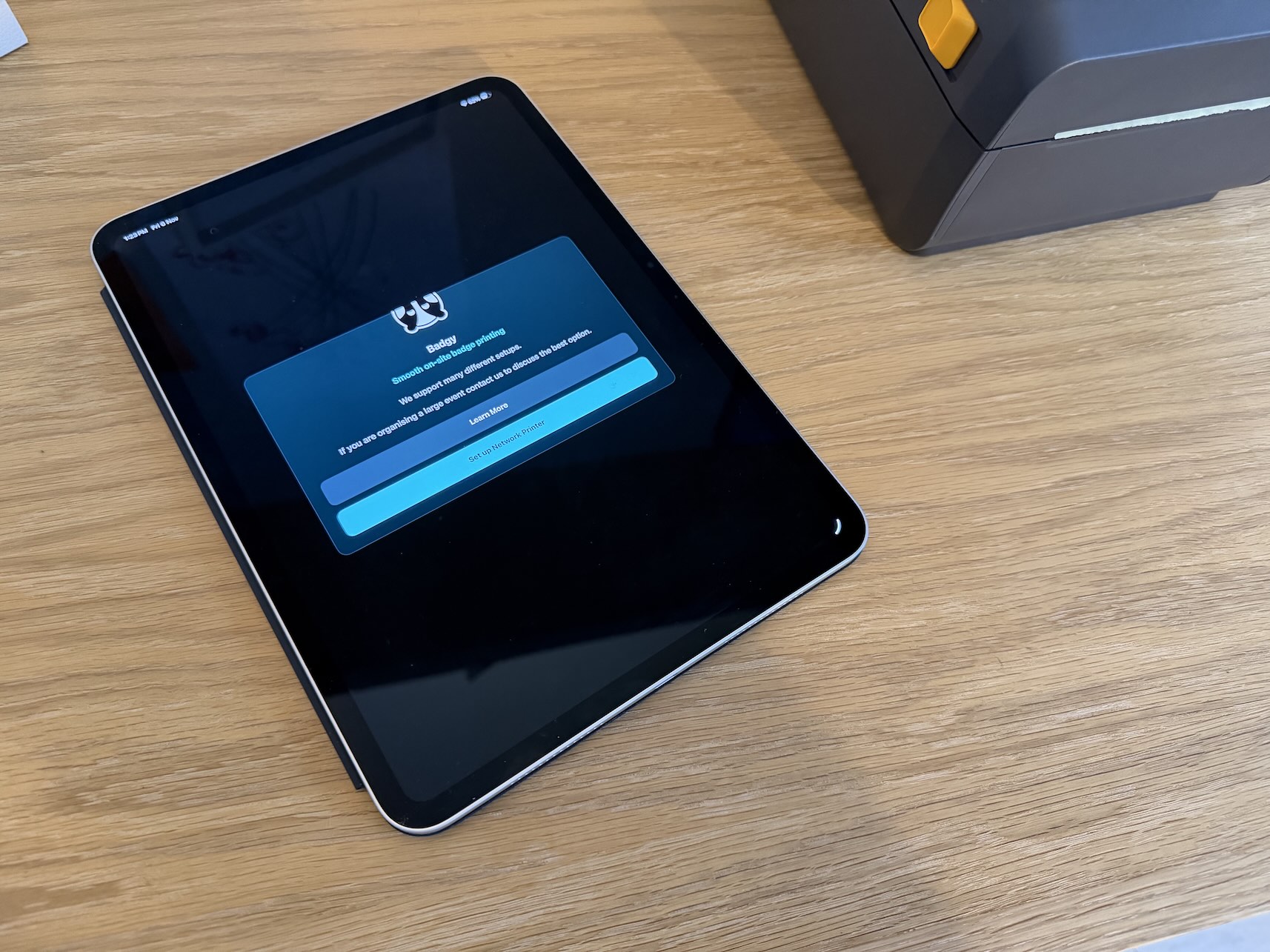
At Badgy.app we have the option of using either a computer or more commonly a tablet as the main kiosk interface. The attendee can look up their ticket via their email or use their ticket QR code to check in. kiosk is paired to either a shared printer or alternatively a single printer per kiosk. This is mainly a cost based decision. Renting and buying printers can add quite a bit of cost to your check-in setup, sharing across multiple kiosks can have a worthwhile impact on overall cost.
We also provide two methods of setup. A web based kiosk mode and a native iPad app. The iPad app allows for Badgy to work with rented kiosks such as those from choose2rent (https://choose2rent.com), while the web environment offers more flexibility. We can help with kiosk setup, but each kiosk can be configured in less than a minute.
The number of kiosks required will depend on the number of attendees and the length of the check-in window. A solid baseline would be to allow 30 seconds per attendee for their check-in. So in an example whereby you had 100 attendees, and a 10 minute check-in window. 30 (time to check-in) * 100 (attendees) / 600 (time period) = 5 (kiosks). This is a useful rough formula to decide the number of kiosks you may need for your event. If you are using badgy.app, we are happy to discuss your event and help you find the optimum setup for you.
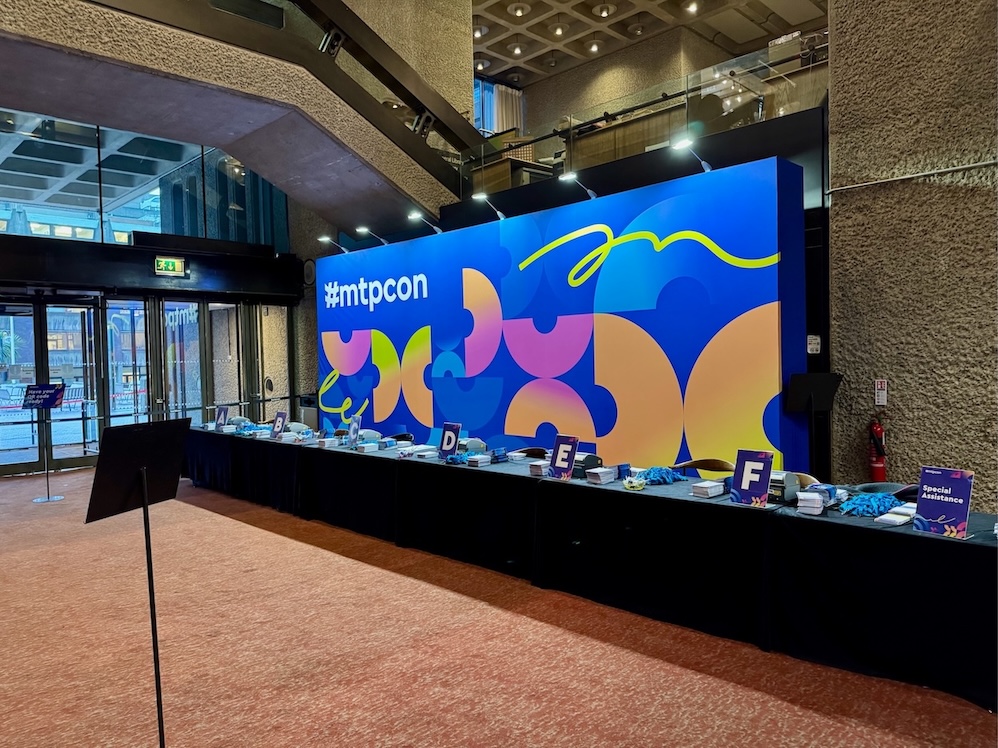
Queue management for kiosks is an important consideration. Ideally there is a queue rather than a general gathering area with kiosks, this again increases throughput of attendees. Queues also grab attendee attention, this helps ensure they have their details or QR code ready to be scanned by the time they reach a kiosk.
Finally, staffing plays an important part of successful kiosk check-ins. Yes there are far fewer staff required for a kiosk check-in, but they are crucial when it comes to handling an issue. A staff member for every 2-3 kiosks should generally suffice. As mentioned previously, an Assistance desk is highly recommended too.
Setup kiosks and run your next event with Badgy.app
Badgy.app makes registration and beyond look and feel professional.
👉 Ready to take your next event to the next level?
Get started with Badgy.app today. You can book a demo here
Ready to take your event to the next level?
